
S-Tier Solutions Book a call

The System AI

A macOS dashboard that shows what a whole operation is doing on one screen: sites and visits, channels, money, jobs, the calendar and what needs you. Every number shows its source and how old it is.
Built for
One person, on one Mac
What we did
Design and build
Year
2026
Shown here
Sample data, not live panels
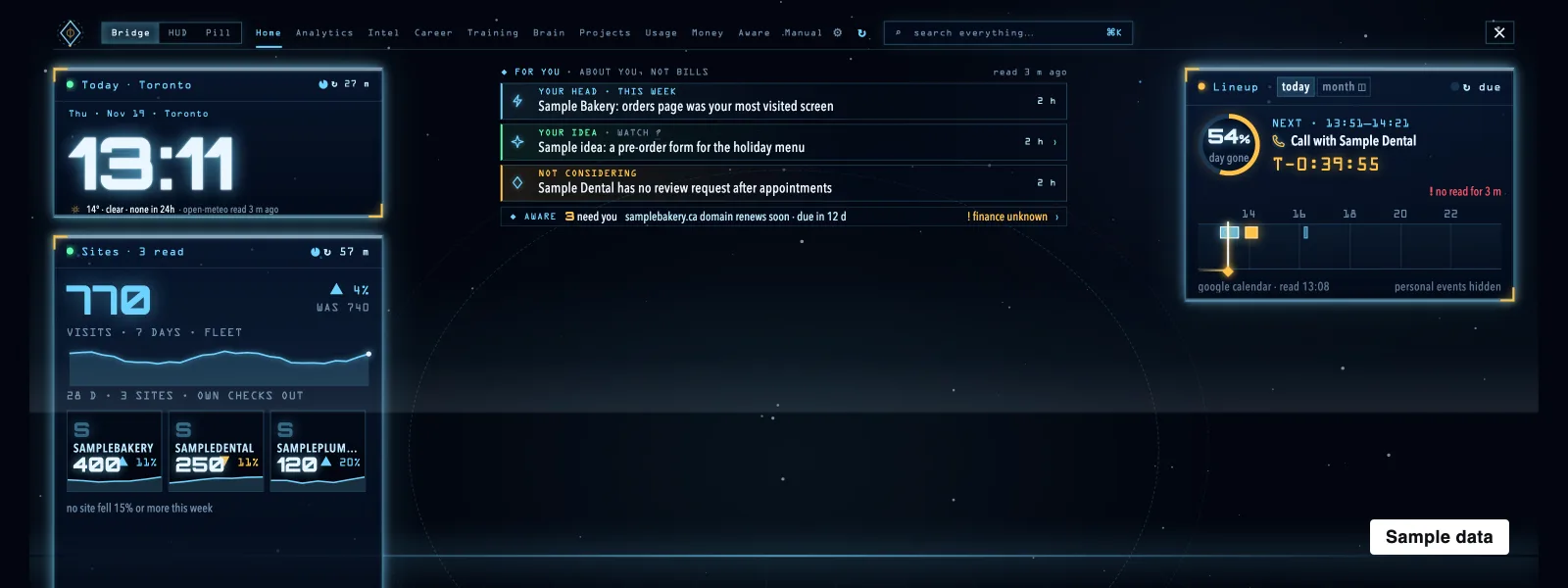
The System AI, The Home screen drawn from a sample set of feeds: a sample calendar, sample sites and visits, and a sample list of what needs you. Sample data.
Sample data. The Home screen drawn from a sample set of feeds: a sample calendar, sample sites and visits, and a sample list of what needs you. Every name, domain and number is invented.
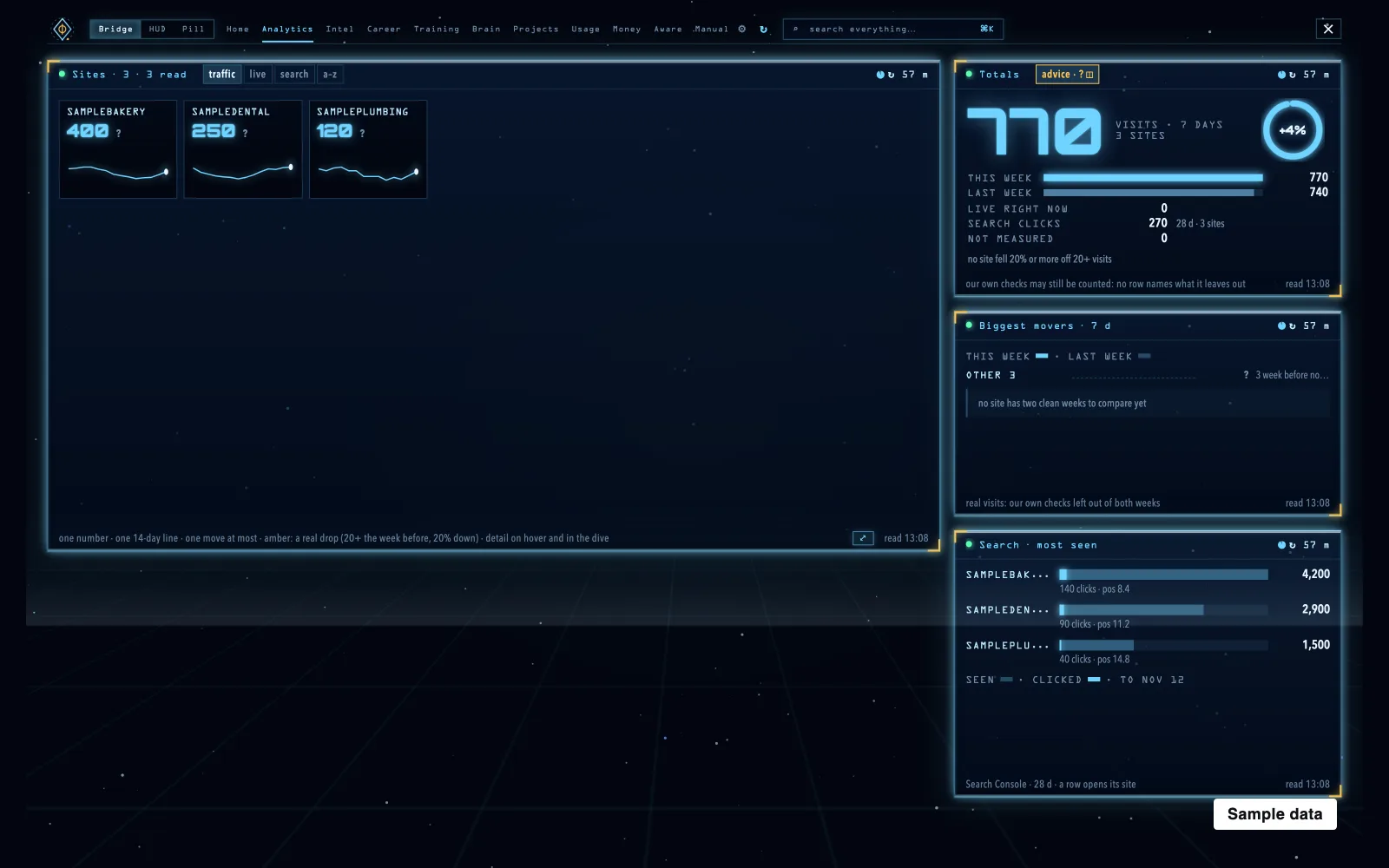
The System AI, The Analytics screen: sample sites, visits, search clicks and a seven-day total, each with when it was read. Sample data.
Sample data. The Analytics screen: sample sites, visits, search clicks and a seven-day total, each with when it was read. Every name, domain and number is invented.

The idea

Put what a whole operation is doing on one screen, so the numbers you dig for are already there, each with its age.

What we built

  • A macOS app. A native menu-bar app that opens a full-screen dashboard.
  • One panel per source. Each source writes its own panel on a schedule, and the app only draws what the panels say.
  • Every number dated. Each number shows its source, when it was read and when the next read is due.
  • Failures say so. A dead source goes amber or red with a reason and never shows zero.
  • What needs you. A list of what needs a person, ranked by what it costs to ignore.

Where it is now

We run our own studio on it. One honest limit: it shows and stages, and never sends, pays or acts for you. It is built for one person on one Mac, and the screens here use invented sample data because the real panels are private.

Have a project in mind? Let’s talk.

Ask our agent

Ready

An AI agent we built, answering from our published facts. Text only. Nothing is sent until you use it.

Try one

Needs JavaScript

Write to [email protected] or use the contact page.

AI answers can be wrong.